찜 목록

전체선택 삭제

톡 상담

톡상담 안내 원활한 고객응대를 위해
카카오톡 1:1 채팅 상담 일시 중단하고,
톡 상담은 챗봇 상담으로만 운영됩니다.

자세한 문의는 고객센터 1544-6698로 문의주세요.

대량 옵셋 상담 기업체, 공공기관, 도서관 등 다량의 도서, 잡지, 인쇄 및 출판이 필요하신 경우 대량 옵셋 전문 담당자와 상담하실 수 있습니다.

대량 옵셋 상담 신청

근무시간(상담 가능 시간) - 평일 09:30 ~18:30
  (식사시간 12:00 ~ 13:00)

- 토/일/공휴일 휴무

- 톡상담이 불가한 경우,
  1:1게시판에 남겨주세요.

이메일 - admin@redprinting.co.kr

입금 계좌안내 IBK 기업은행
513-027986-01-015
(주식회사 베러웨이 시스템즈)

장바구니

전체선택 삭제

예상 결제금액 0

to top
band banner

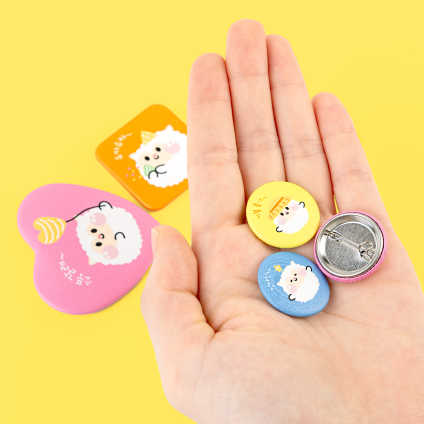
Felt Crafts (Free Shape)Reorder is available for this item.

Recommended Product

Note

Printing On Felt

As the printed paper is heat transferred onto the felt material, the print may be slight uneven and may look clumpy at some areas.
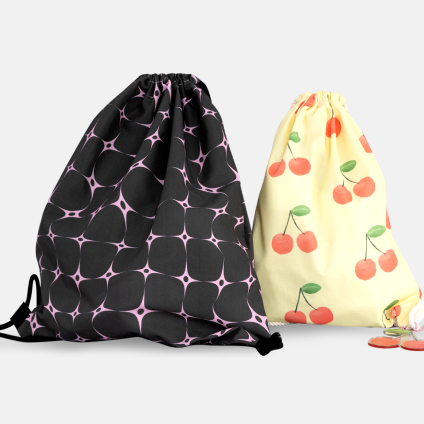
This is inevitable and no refund/return can be made for this matter.
Also note that the cutting is by laser, which may smell of soot. Kindly air the item for 1-2 days to remove smell.

Edge Finishing

Laser cutting will be used to cut the edges of the thick felt material, which may result in slight rough edges. This is inevitable.
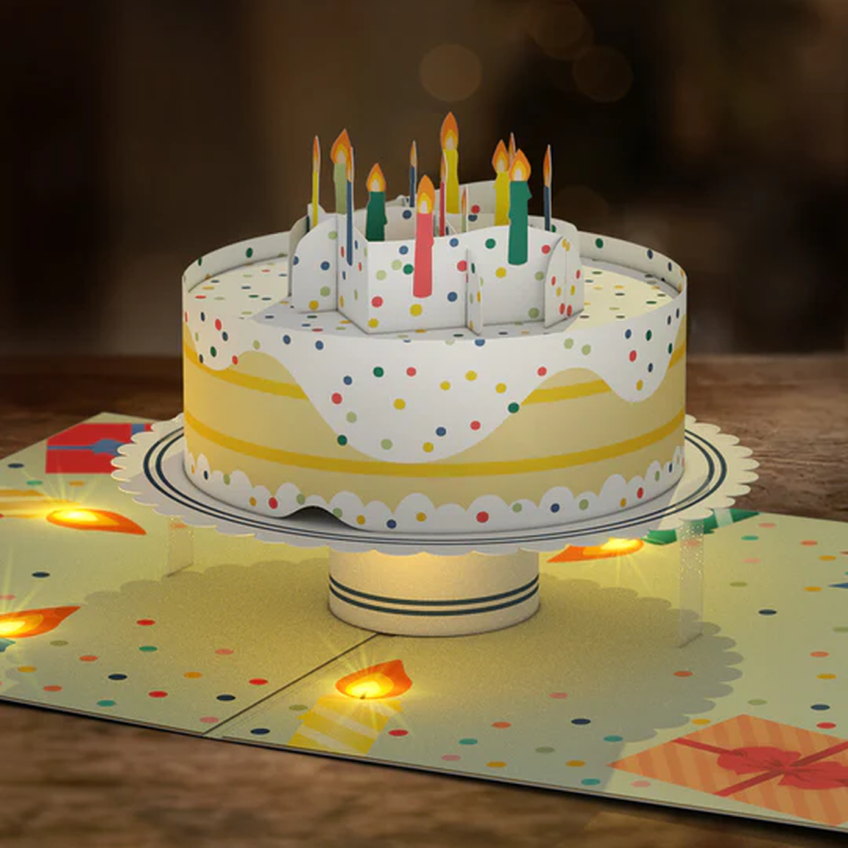
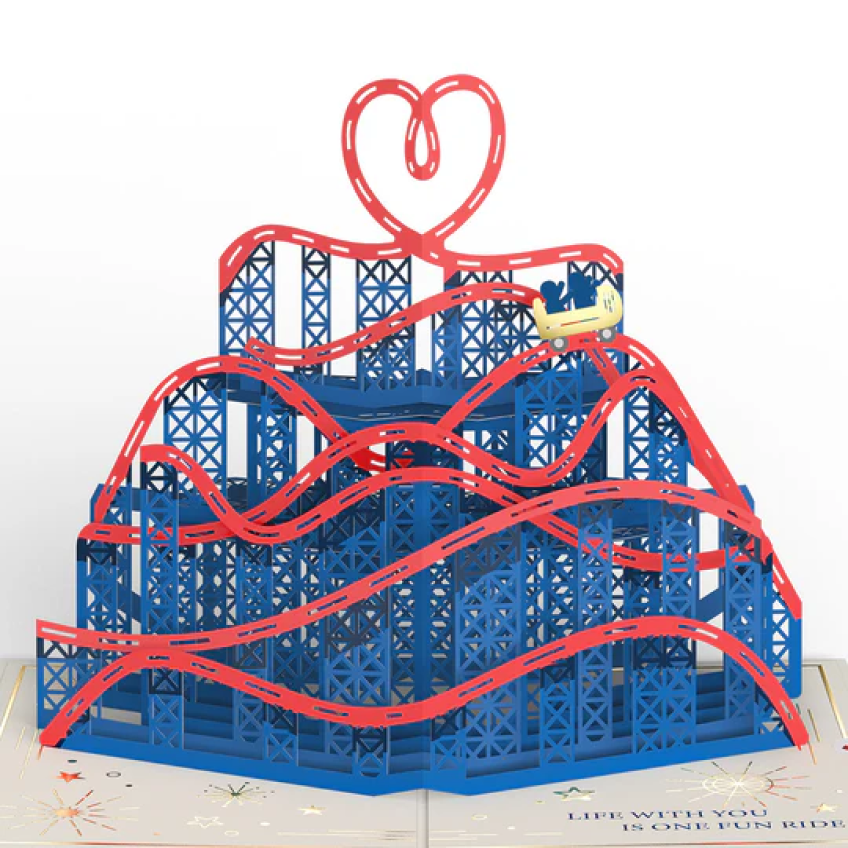
No refund/return will be made for this matter.

Free Shape Cutline1Free Shape Cutline2

Ensure that there is a 3mm gap margin between the cutline and the image itself. Do follow the above guide images before working on your design.

Design With Borders

Thin borders with less than 3pt may look uneven in the actual output, due to a 1-2mm cutting shift that may occur during production.
This is inevitable and no refund/return will be made for this matter.

Cutline Guide1 Cutline Guide2

Cutlines must be rounded (3mm width or more) along the edges to prevent any cutting errors.
Ensure that there is no small holes in design or wavy/jagged edges.

Free Shape - Min. 30x30 mm & Above

For free shape crafts, any size below 30x30mm cannot be produced.
Do take note of this before ordering.

3mm Gap Margin1

*All design cutlines should be 3mm inwards from the sheet cutting size.
Please work on your design based on the above guide.

3mm Gap Margin2

E.g.) Sheet Size: 100x150mm:
*Working Size : 110x160mm (5mm margin bleed included)
Design cutlines to be 3mm inwards from sheet size.

Design Cutline Size: 30 x 30 mm & above
Sheet Cutting Size: 100x150mm
Sheet Working Size: 110x160 mm
Safety Area: 3mm gap margin from sheet cut size

FELT CRAFTS

FREE SHAPE

FELT CRAFTS1
FELT CRAFTS2
FELT CRAFTS3
FELT CRAFTS4
icon_arrow
icon_arrow

Product Features

  • Material

    Material

    Made of thick 100% felt polyester (Made In Korea) with a thickness of 3mm. Certified to meet the safety test standards in the US, Europe and Japan and it is safe for kids.
    (No hazardous substances detected)

  • Single-Sided (ONLY)

    Single-Sided (ONLY)

    Felt material will be cut into the desired shape (according to the cutline provided) after heat transfer printing is completed. Only ONE side printing is available.
    (For Free Shape : Min. 30x30 mm)

  • Individual Packaging

    Individual Packaging

    Free Shape Designs will be placed in a poly bag as shown above. 2 Options:
    ※ Assorted : 2 Designs & above
    ※ Same Shape : 5 Designs & below
    (Regular square/rectangle/round will only be stacked together and placed in one polybag)

SIZE

Safety Area Product Size Working Size

Data Production & Ordering

1. Font Outline

Be sure to create an outline for all fonts in your artwork.
Short Cut Key: Ctrl(Command)+Shift+O

2. Save Print Layer

Name each layer according to the finish name and export the PDF file with 'Create Acrobat Layers from Top-Level Layers' checked.
(Create cut line layer on top of the print layer)

3. Cut Line

Create a new layer and named it "Kiss Cut"
Do not create cut line on the print layer.

4. Kiss Cut Line Layer

Create cut line using pen tool
Cut line needs to be created via path in Magenta 100% (M) using vector line (stroke).

5. Save PDF

Save the file in PDF format.
+ SAVE PDF

6. PDF Press Quality

Select 'Acrobat PDF 1.5 and above'.
Select 'Create Acrobat Layers from Top-Level Layers'.

1. Import Image

Open editor to import image. Click on the uploaded image to apply.
JPG/PNG file formats only.

1. Import Image

2. Apply Image (JPG)

With JPG images, the cutting line will be created based on the square image border.
Cutting line creation - Move Circle to create the cutting line. (Drag/Move: Up to 5mm)

2. Apply Image (JPG)

3. Apply Image (Png)

With PNG images, the cutting line will be created based on the image shape, excluding the transparent background.
Cutting line creation - Move Circle to create the cutting line. (Drag/Move: Up to 5mm)

3. Apply Image (Png)

4. Set Background

Fill color or image in the background of the Felt.

4. Set Background

5. Create Text Felt

EClick Text on the left panel to Add Title. Select Fonts and Size before creating into a felt.
[Convert To Sticker] Click on the button to create a text felt.

5. Create Text Felt

6. Text Felt - Cutting Line Guide

Default offset path line is set at 2mm.
Be cafeful not to set to a negative number (eg -1.5mm) as cutting line may cut into the text area.

6. Text Felt - Cutting Line Guide

7. Precaution When Uploading File 01

Ensure that there is more than 3mm margin gap between objects. If not, there will be a warning shown at the bottom of the screen.
You will not be able to complete your edits if this occurs. Cutting line need to b e at least 3mm thickness.

7. Precaution When Uploading File 01

8. Precaution When Uploading File 02

The image cannot be placed on the 3mm safety area line.
Place the image within the safety area.

8. Precaution When Uploading File 02

FELT CRAFTS

MaterialHard Felt White 3T, Felt White 1.2T
PrintingSingle-Sided
ShapeSquare / Round / Free Shape
There may be 1-2mm print/cut shift during production.
File color viewed on monitor screen may differ from the actual print output.
Goods exchange and return is applicable when:
- Complete refund or reproduction is applicable only if the final output is 100% different from the ordered item.
- When the product is unusable, refund and reproduction is applicable.
( Step 1 – photos verification, 2 step – product inspection. Please note that at least 80% of the returned product should be in good condition for us to bare the shipping fee of returned goods).

Goods exchange and refund is not applicable when
- Cancellation and refund is not applicable if printing files received without any problem and printing process completed smoothly.
- Mistake and typo related problems caused by users’ carelessness or misunderstanding of instructions and terms and conditions listed in both user and product guides.

Shipping Method

Delivery Method

· Parcel Delivery [Prepaid]
· QUICK Service [By Customer]
· DVER Quick [Prepaid - In-House]
· Freight Delivery [Large-Format]
· Self-Pick Up

Delivery Region

Local Shipping Only (Nationwide)

Delivery Fees

· Base Shipping: 3,500won (additional charges may incur depending on weight/bulkiness)
· Digital Prints over 50,000 won: FREE Shipping. (View Fees below for exceptions)
· Parcel & Quick Delivery: Additional charges may occur if order is too bulky or heavy.

Please click below for the detailed Shipping Fees guide.

View Fees


Delivery Details

· Orders will be produced and shipped after payment is completed.
· Delivery Timeline (est): 1-3 business days (excluding weekends & public holidays).
· For Express delivery, please select either QUICK [By Customer] or DVER Quick [Prepaid - In-House].
· QUICK is only available within Seoul and Gyeonggi-do.
· Multiple orders of the same shipping address can be bundled before orders are shipped out.
· Self-Pick Up & QUICK: SMS notifications will be separated with large-format items & other product categories.
· Foamboard/Foamex cannot be shipped to Jeju-do, rural islands or mountainous areas.