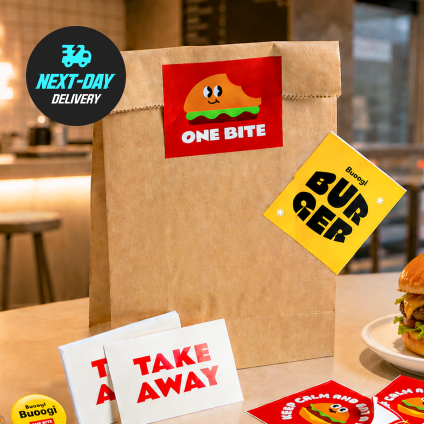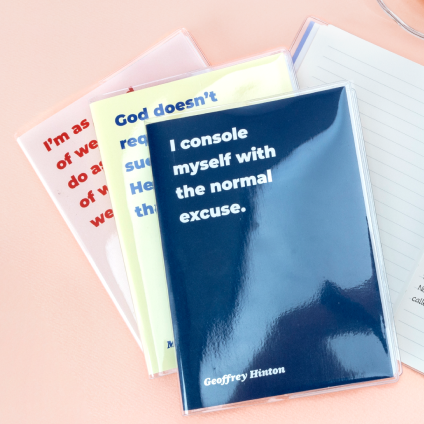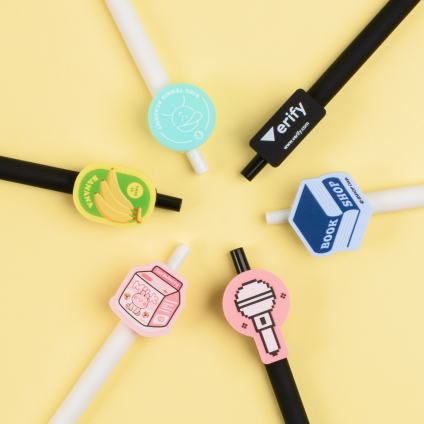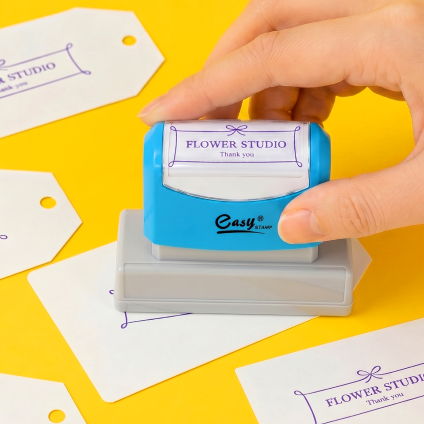
Foil / Embossed StickersReorder is available for this item.

 찜
찜
-마이페이지>찜 목록 조회에서 확인하세요
찜 목록으로 이동하기 >


Back Printed Stickers Reorder is available for this item.
11,400~ / 100pcs

Raised Gloss Postcards Reorder is available for this item.
45,400 / 50pcs

Economy Postcards Reorder is available for this item.
4,500 / 10pcs

Individual Stickers (Die Cut) Reorder is available for this item.
7,100 / 100pcs

Anti-Radiation Stickers Reorder is available for this item.
13,800 / 10pcs

Bookmark
2,300 / 10pcs
Foil Stamping Process
Instead of using CMYK or Spot color, this process uses thin foil plate molds to add color.
At Red Printing, we apply foil after it has been printed.
A copper die (foil mold) in the shape of your design is mounted to a heat press.
When heated die presses foil onto the paper, the heat melts the adhesive,
causing the foil to bond perfectly to the paper surface in the shape of the design.
Notes
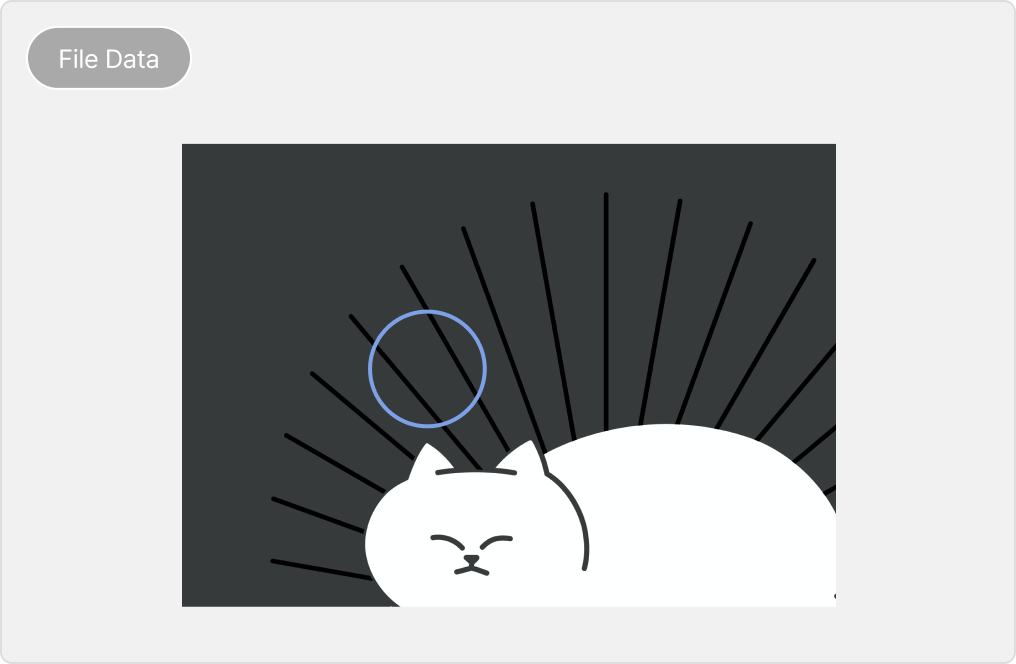
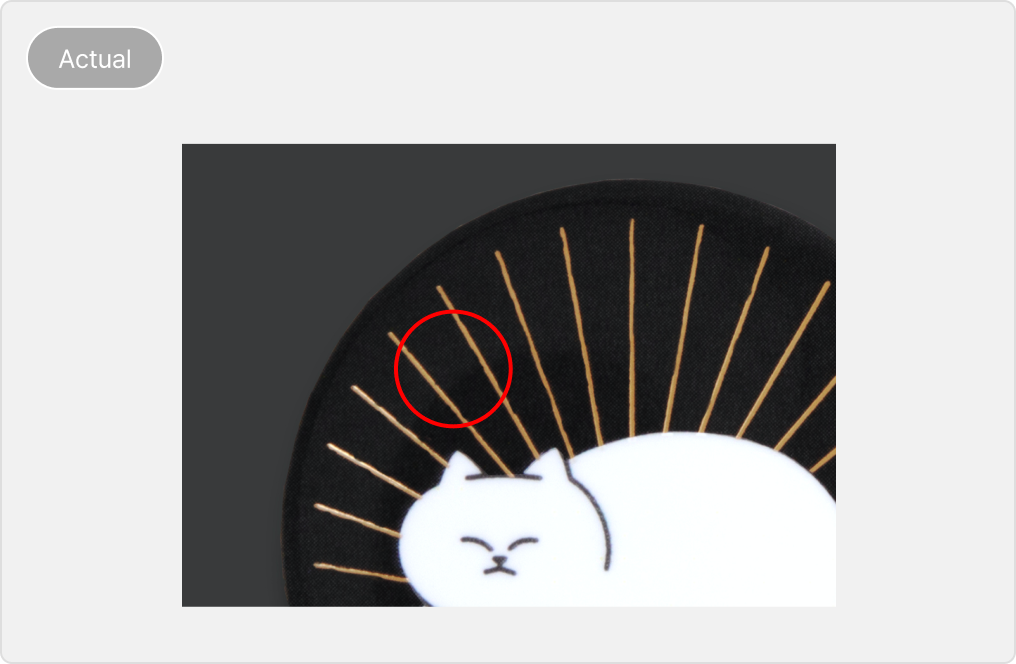
[Small Text or Thin Lines]
May appear blurred or result in foil peeling off easily.
[Guidelines]
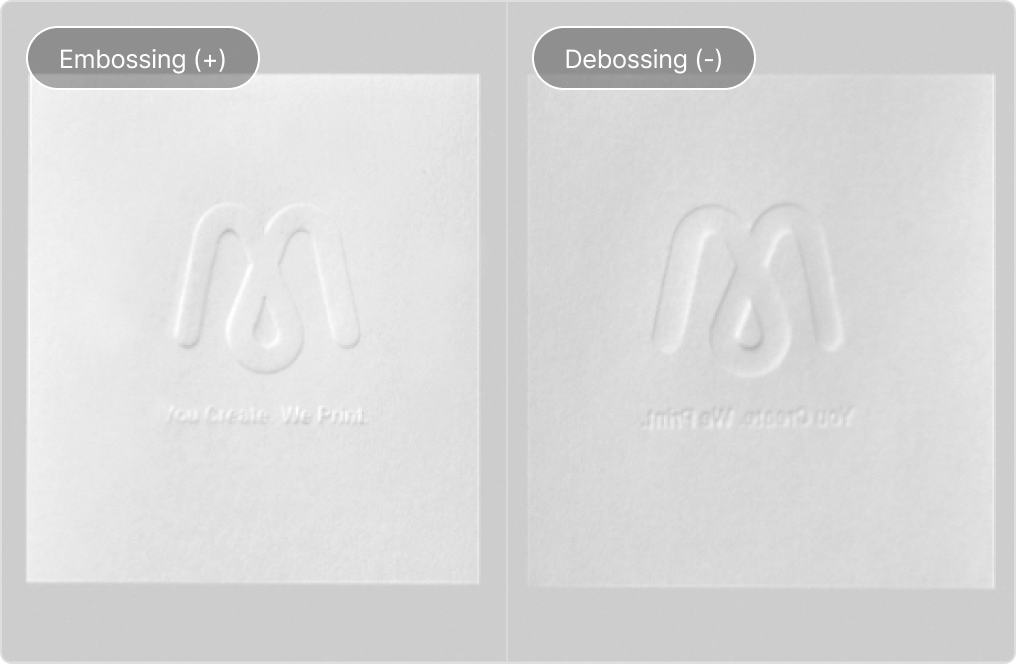
- The embossing (raised) will appear on the side where the embossing layer is first
placed (either front or back).
- Slight misalignment may occur if embossing is raised right on a border
or line during
production (due to shift).
- If embossing over printed areas, the design may not be clearly visible (above
example)
*NOTE: Avoid small font text, overlapping thin lines or small patterns.
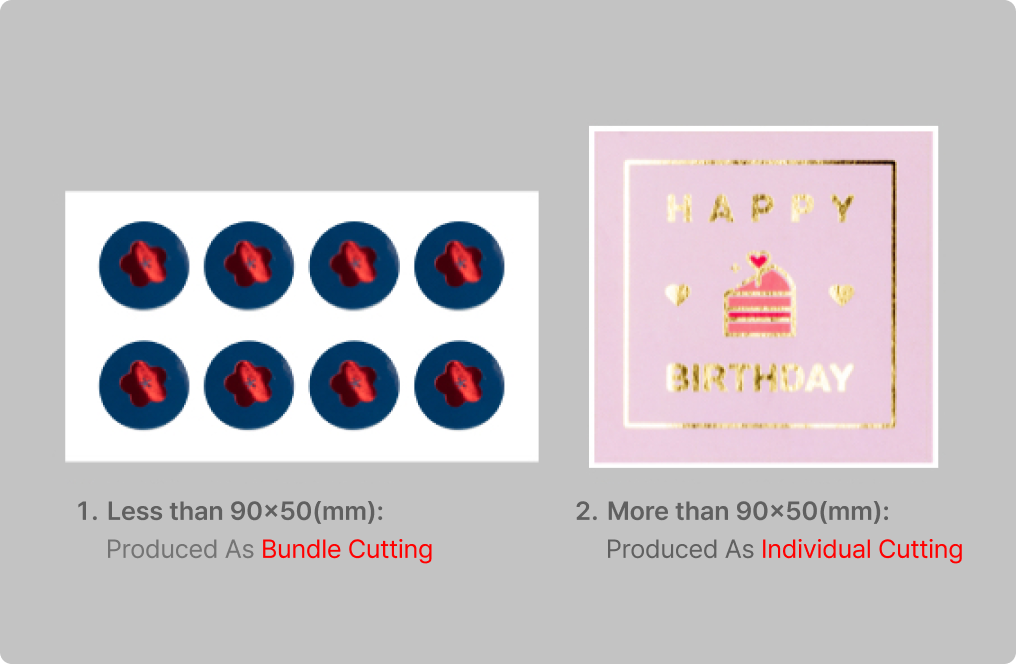
*Less than 90x50mm:
- (Bundle Cutting) Sheets will be cut into 90x50mm size.
[Precautions]
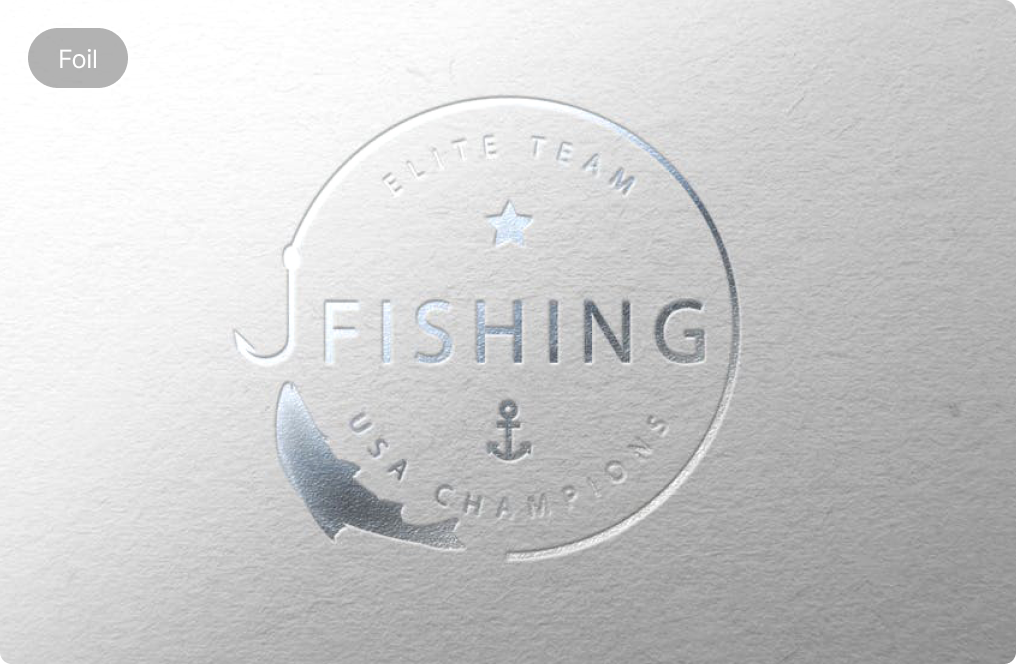
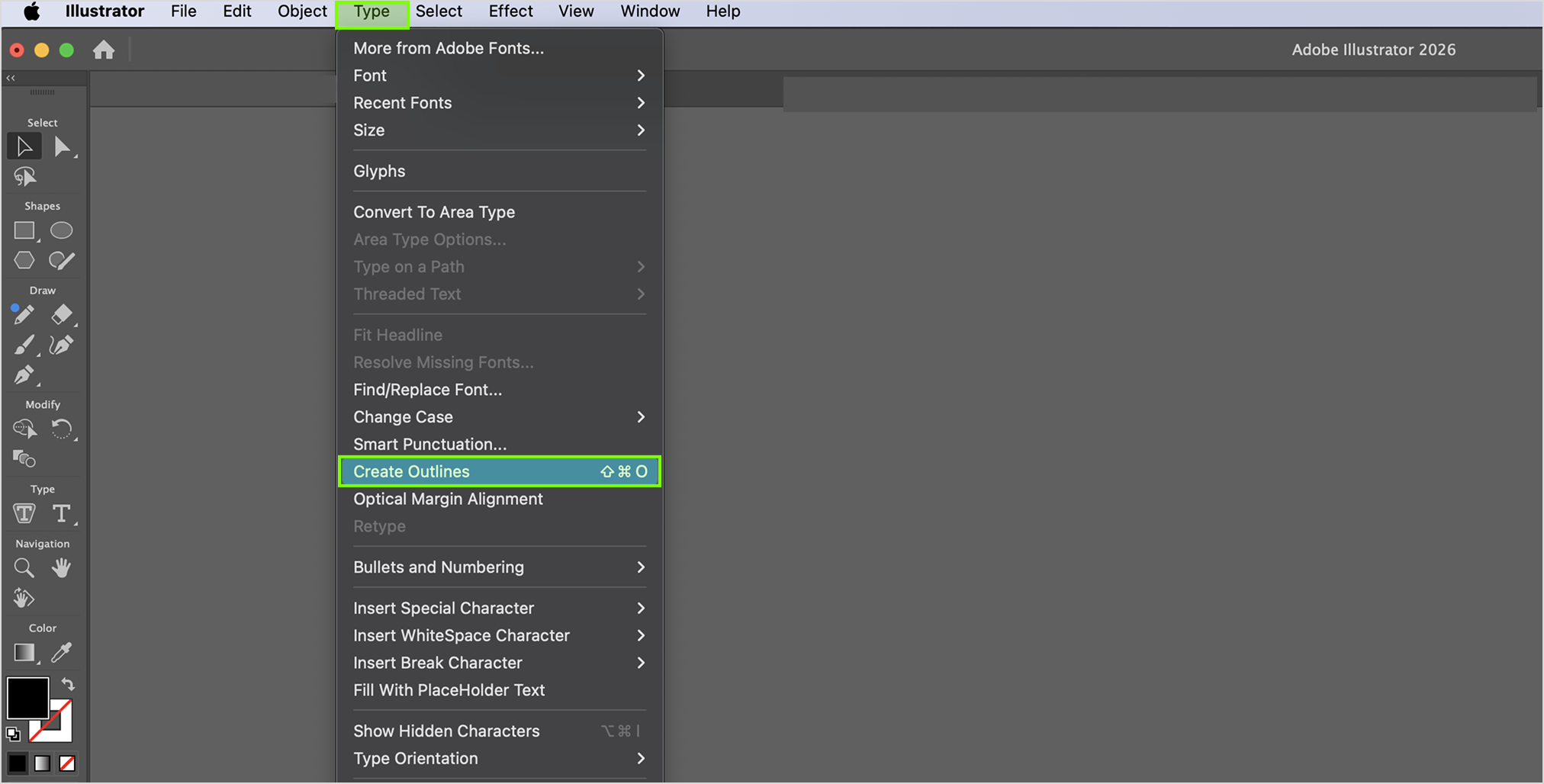
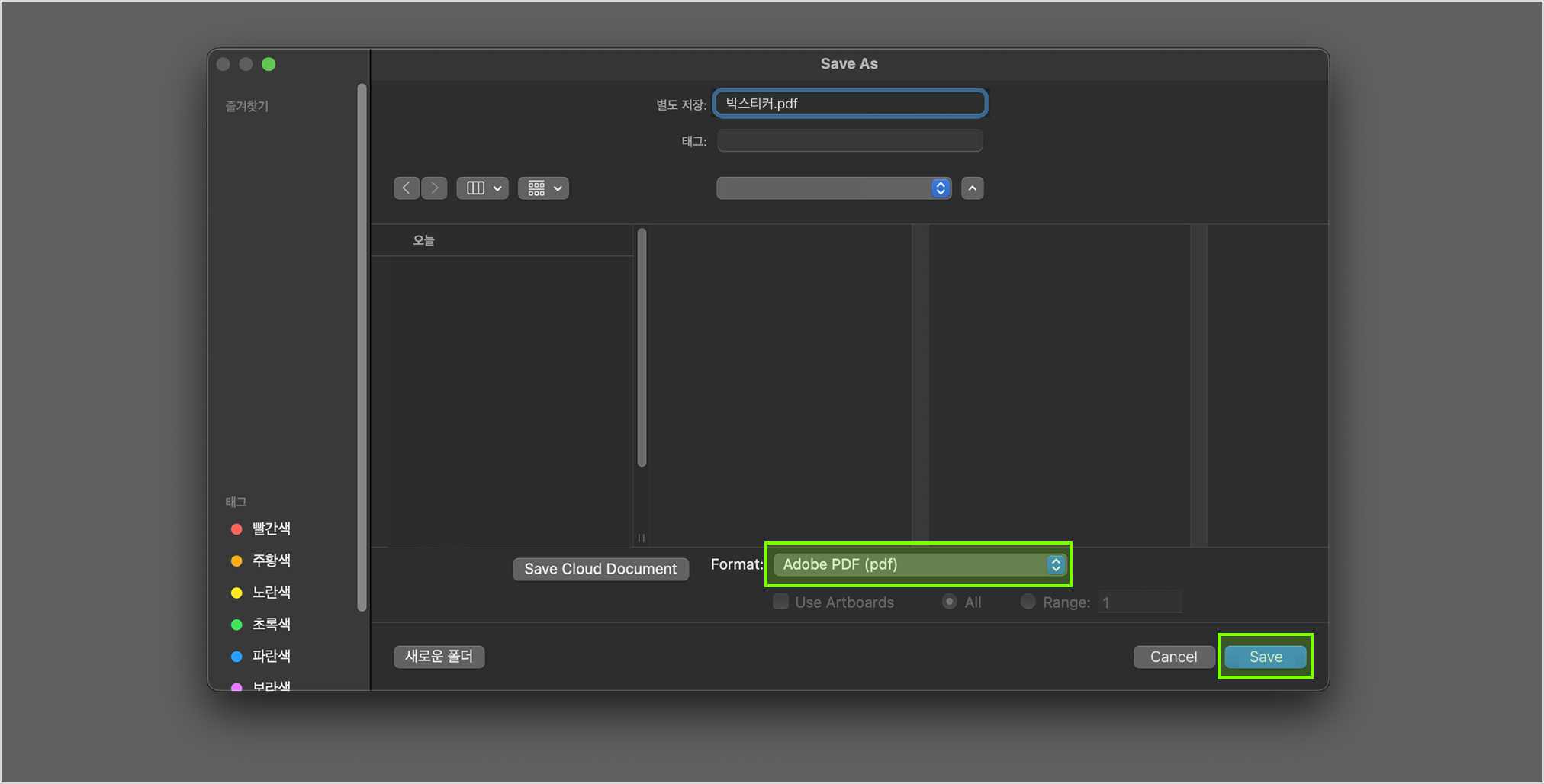
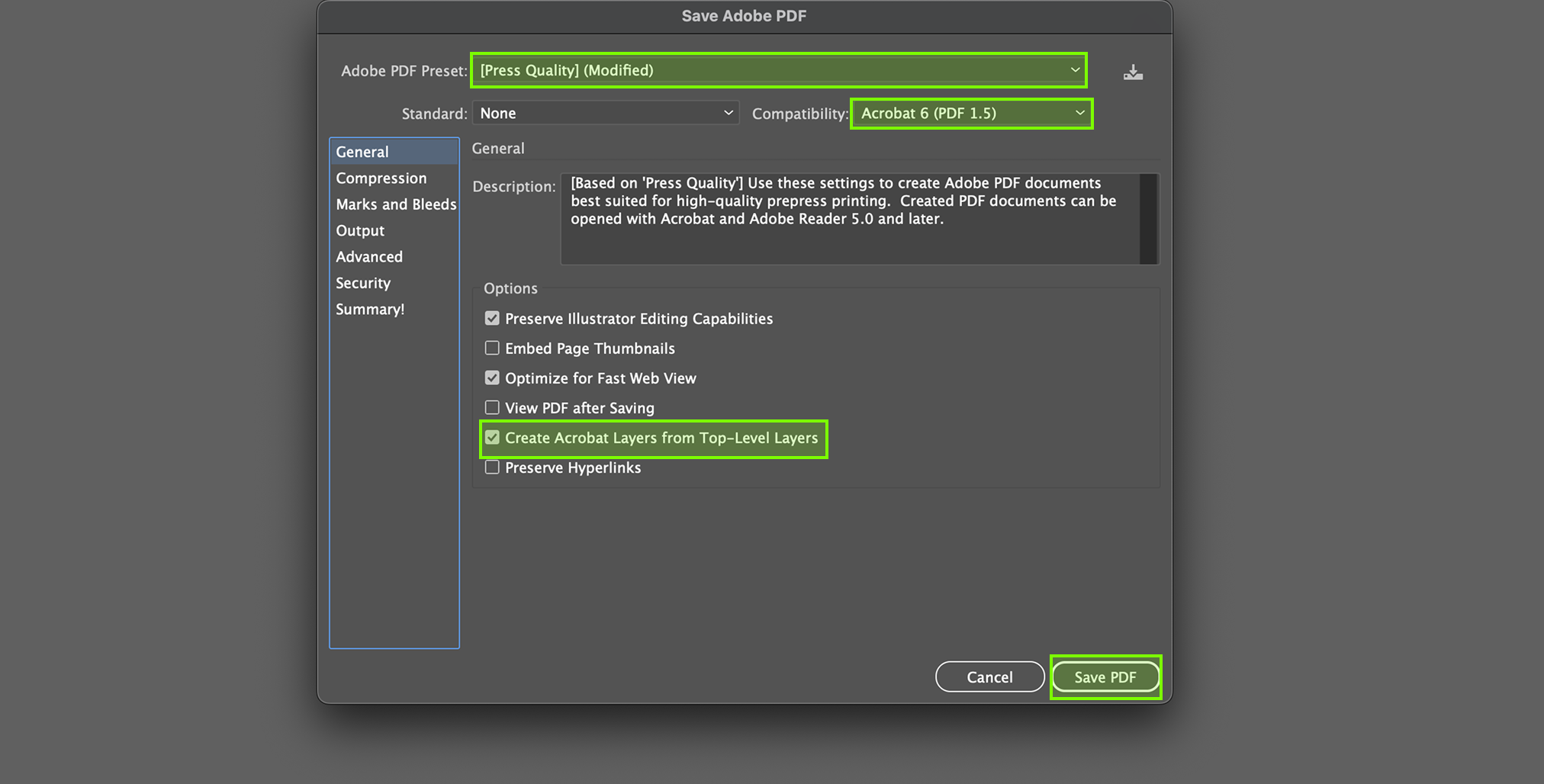
- Ensure to separate the Print layer with the Foil Layer before saving as
PDF.
- Slight misalignments may occur if foil are stamped on borders, lines, or shapes.
- Position of foil on design may shift by 1mm or so during production.
- Large areas with hot stamping foil: take note that scratches may be more visible.
- Black foil may appear uneven on textured papers such as Kraft paper.
- File created in Photoshop (non-vector) may result in rough and unclear foil finishes.
(Submit files as vector-based PDFs created in AI (Illustrator) or INDD (InDesign) would be
preferred.)
[Precautions]
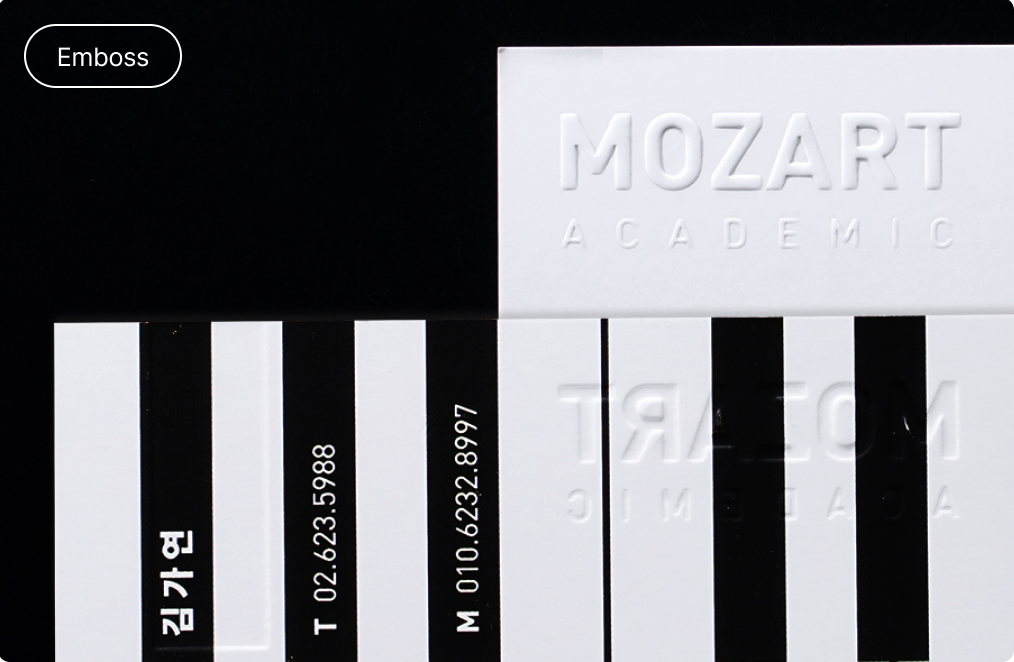
- Ensure to separate the Print layer with the Emboss Layer before saving as
PDF.
- Thin lines, fine patterns, or small texts may not be expressed well during
production.
-File created in Photoshop (non-vector) may result in rough and unclear embossing finishes.
(Submit files as vector-based PDFs created in AI (Illustrator) or INDD (InDesign)
would be
preferred.)
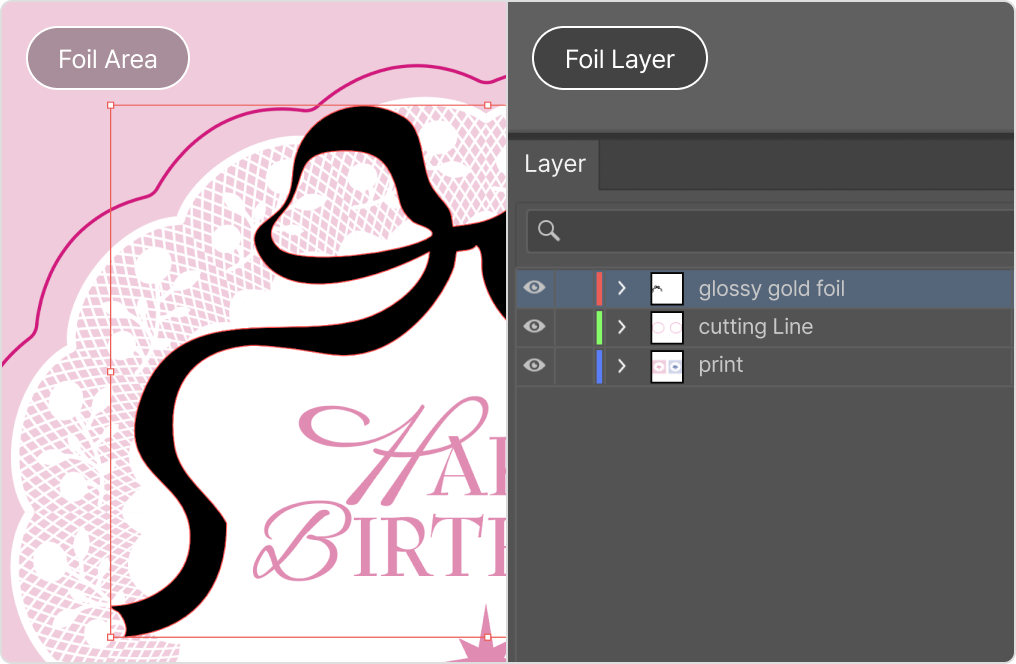
[How To Create]
- Separate Print & Foil Layers
- Fill Foil areas to be in Black (K=100%)
- Label Foil Layer with Foil name
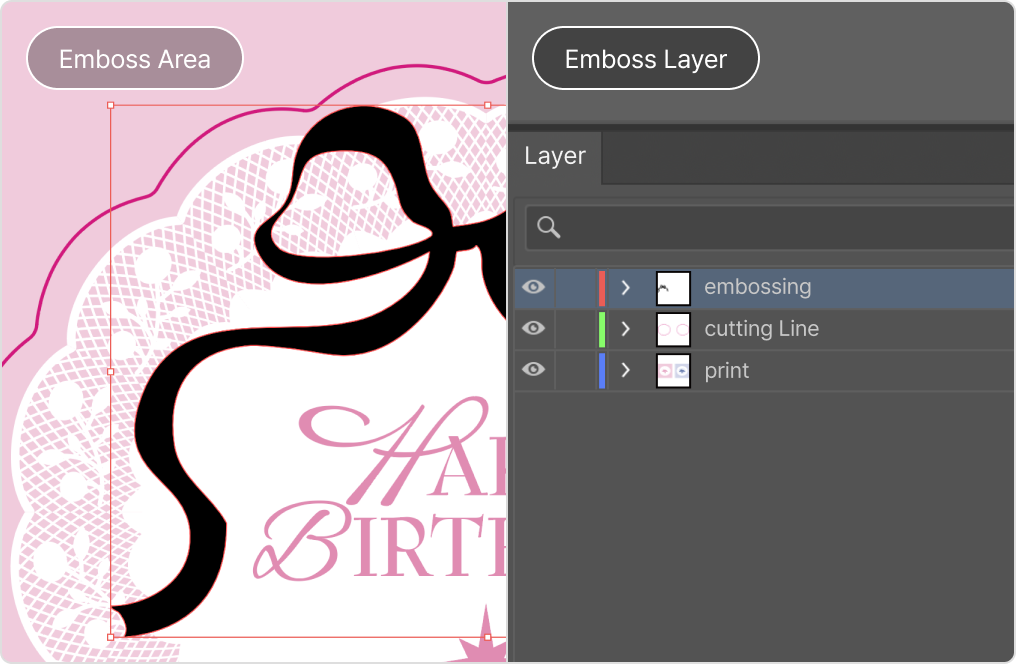
[How To Create]
- Separate Print & Foil Layers
- Fill Emboss areas to be in Black (K=100%)
- Label Emboss Layer as Emboss OR Deboss
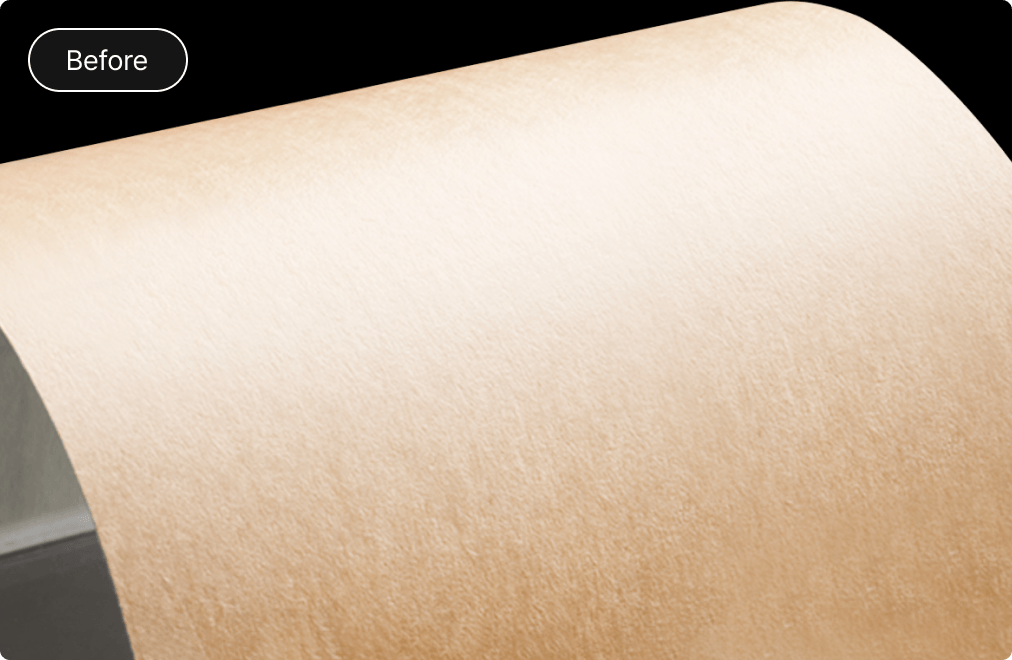
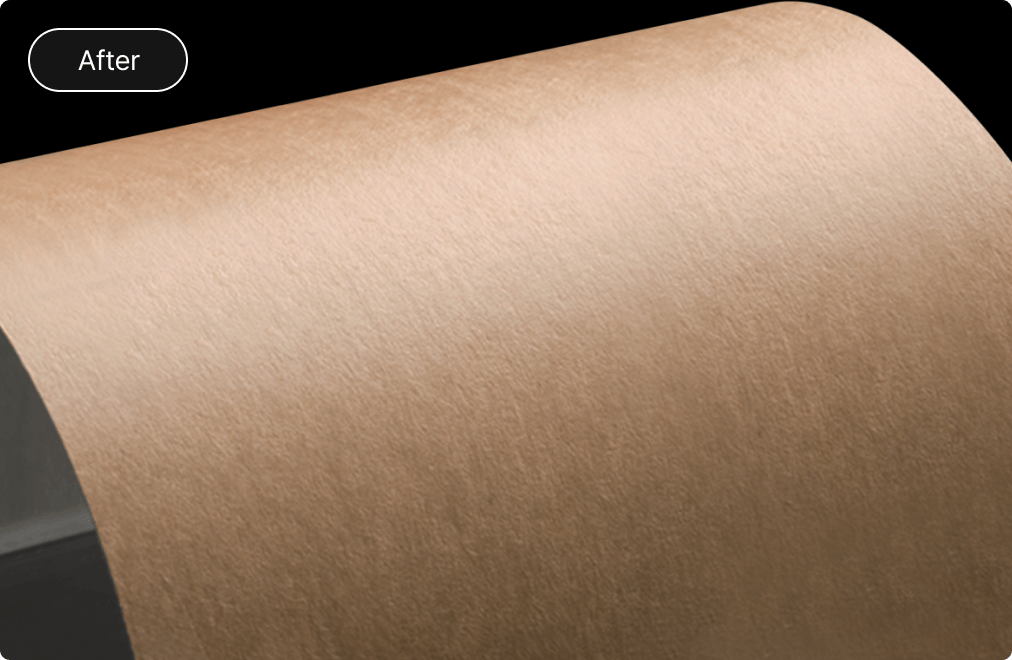
There is a material change for the above Kraft label material. The brown color shade which may be different
from the previous material. Please take note of this before any bulk orders.
Foil / Emboss sticker
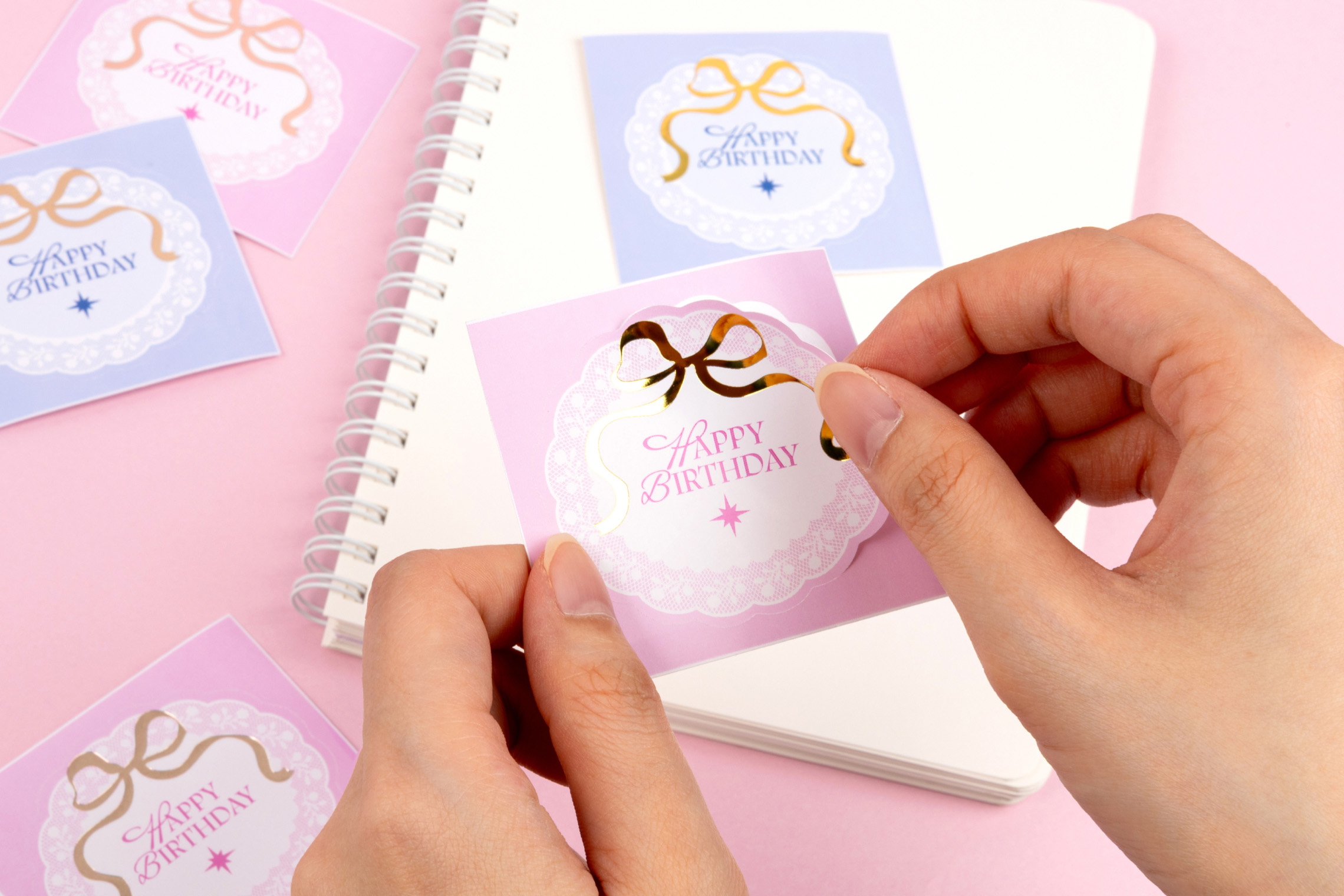
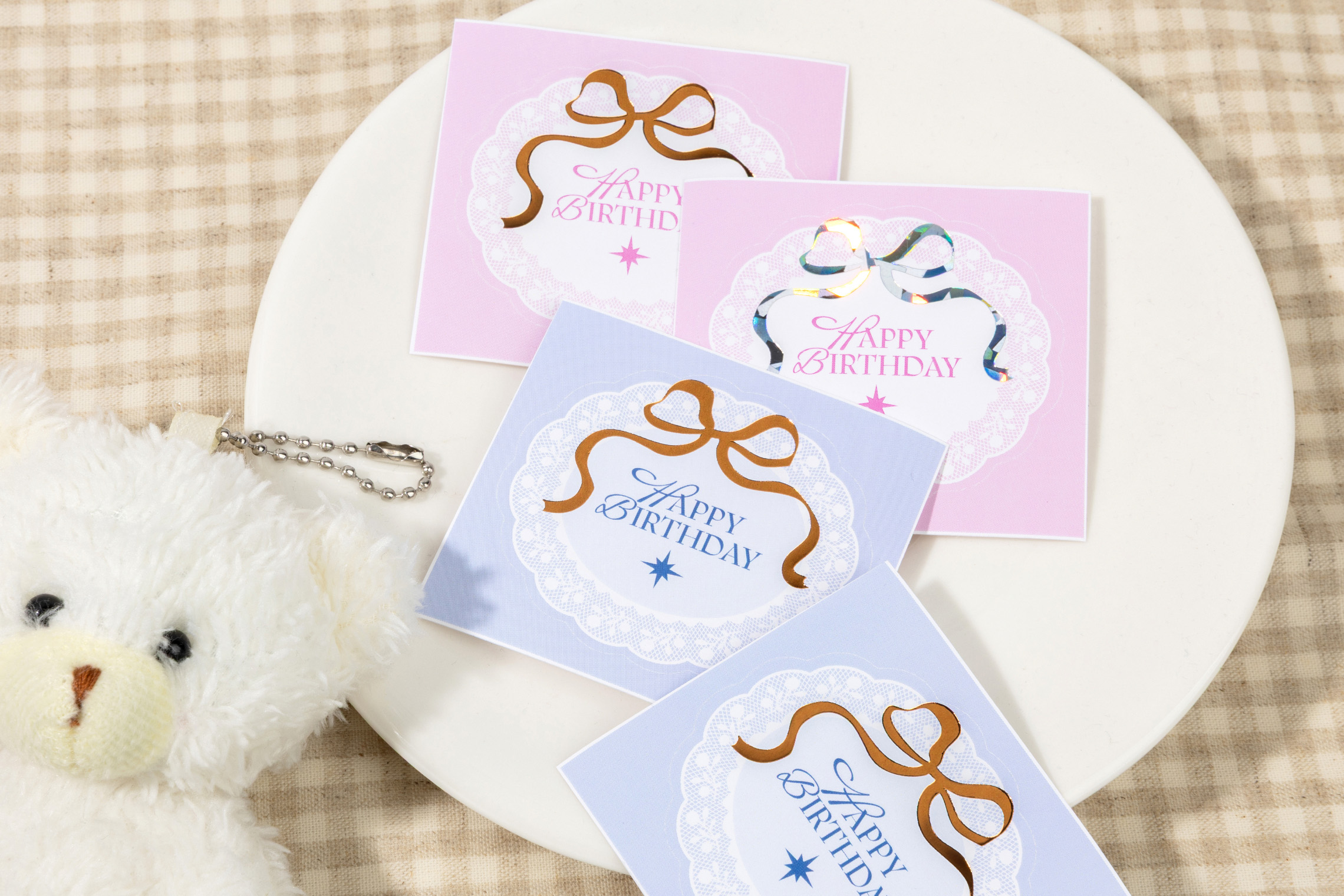
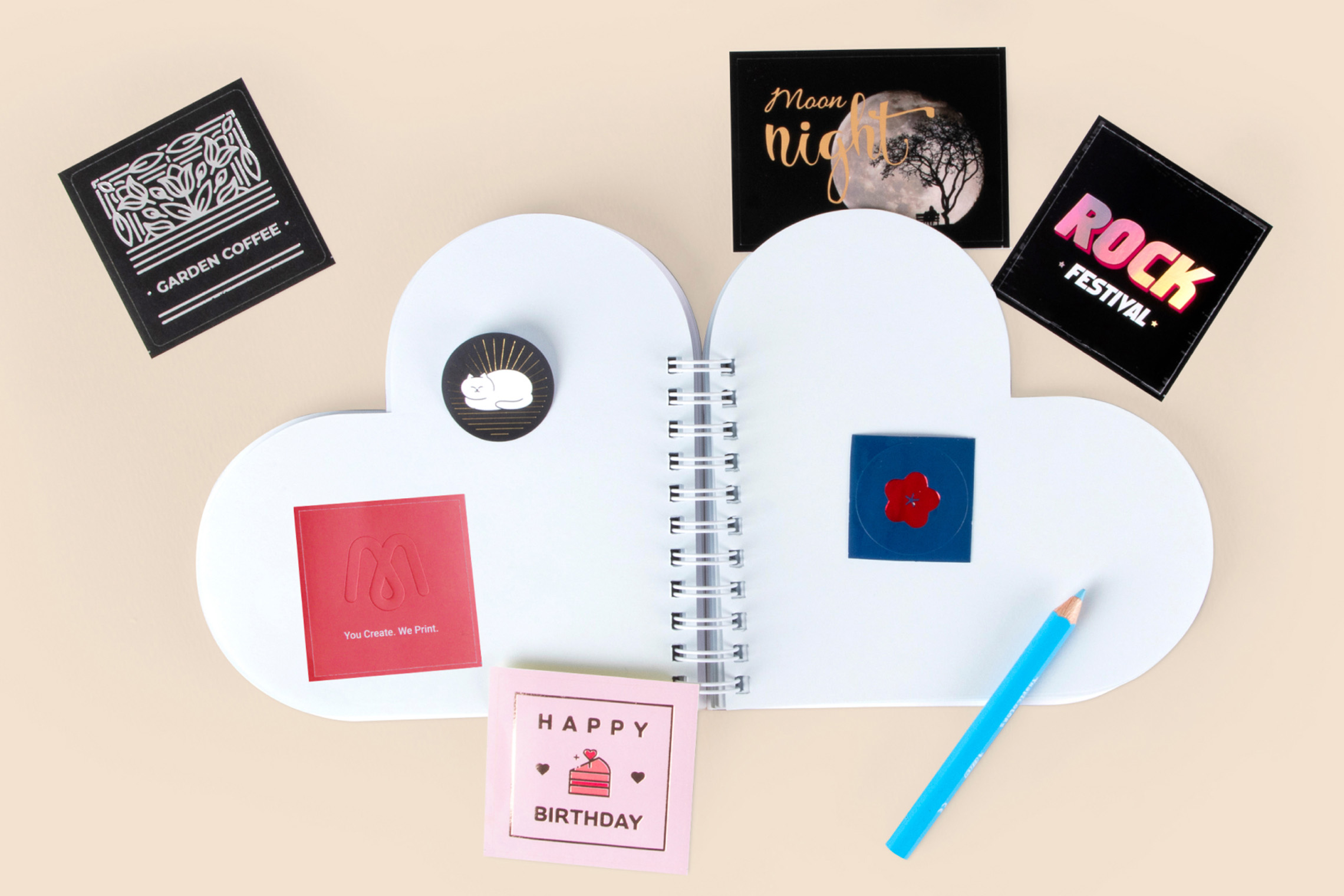
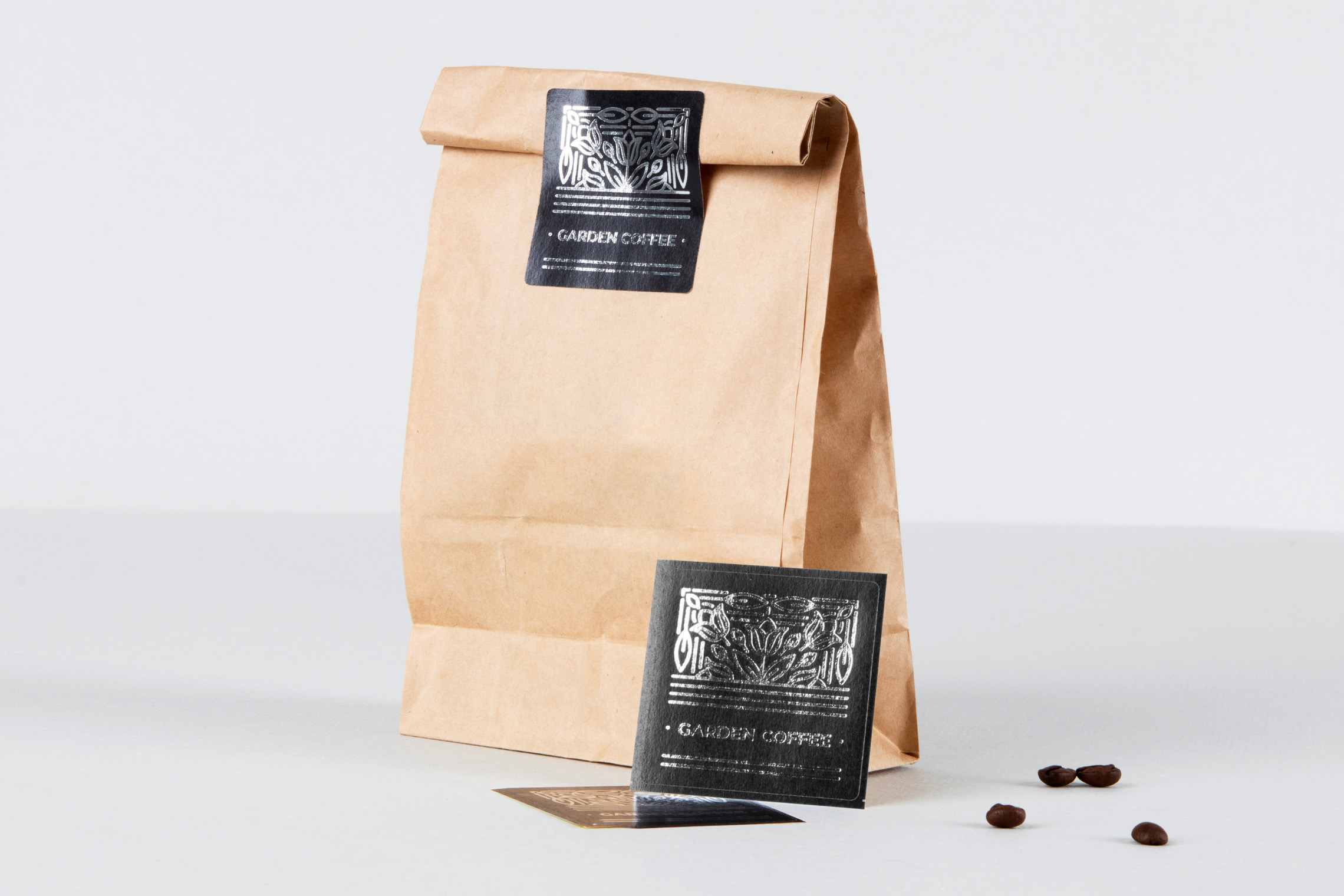


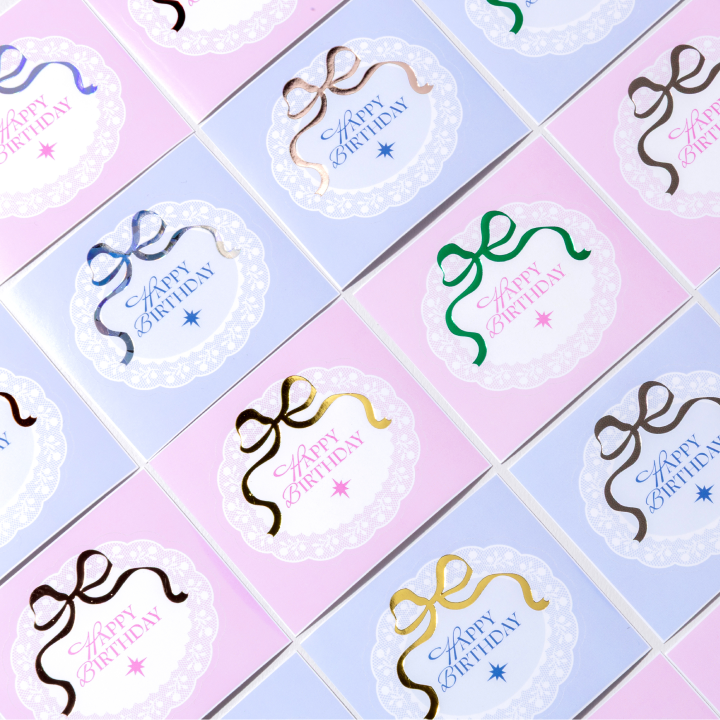
18 Foil Colors
Choose from a range of 18 different foil colors available including our latest Shatter Glass
Hologram Foil, Brown Gray Foil and Chrome Foil.
(Please label the Foil layer with the desired Foil name)
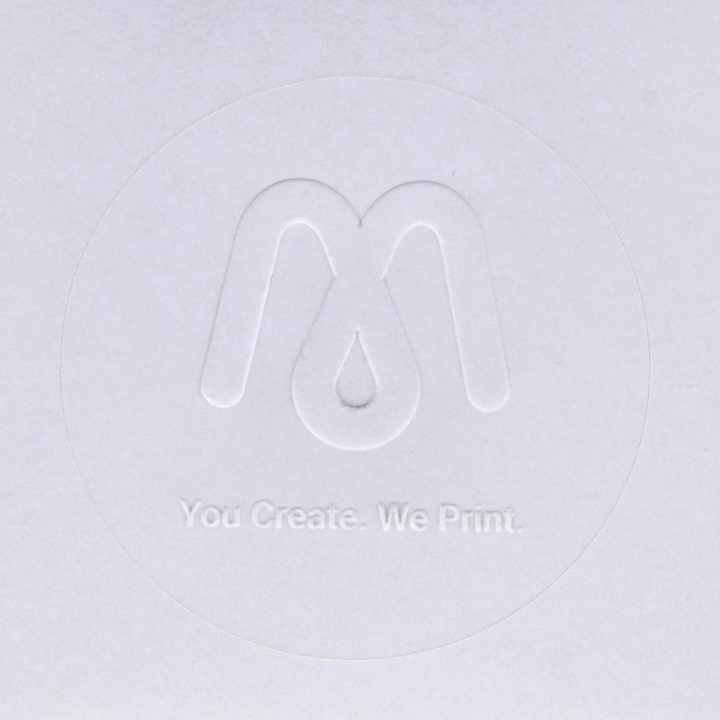
Embossed Sticker
Emboss (Raised) finishings are made available.
*Include Emboss layer in PDF file
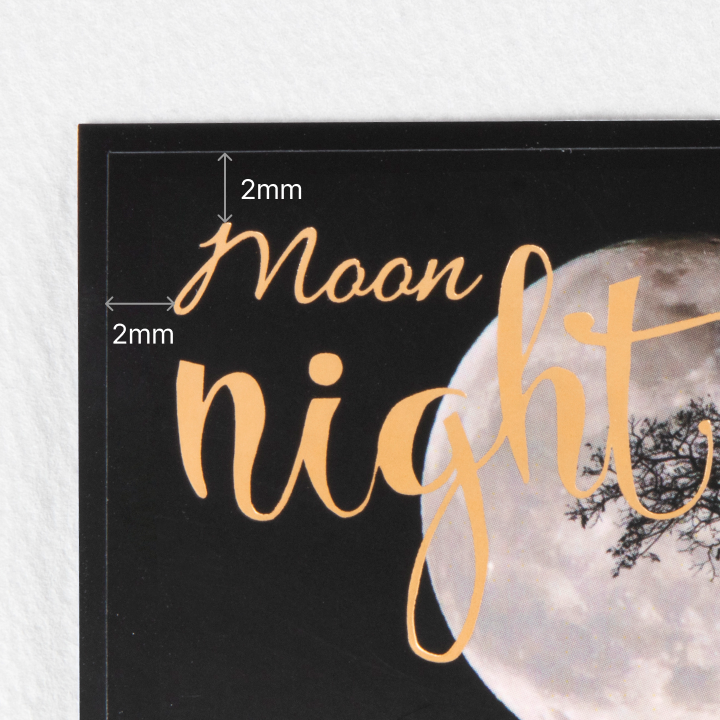
2mm Safety Area
Ensure that all the emboss or foil finishings are within 2mm inwards from the card size
(cutting
size).
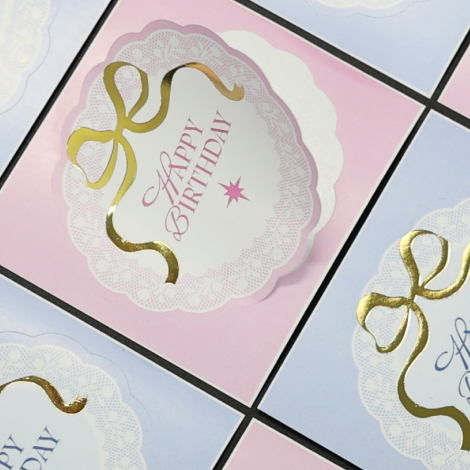
01_Glossy Gold Foil
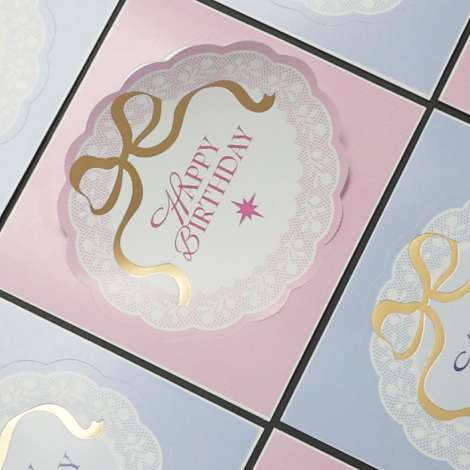
02_Matte Gold Foil
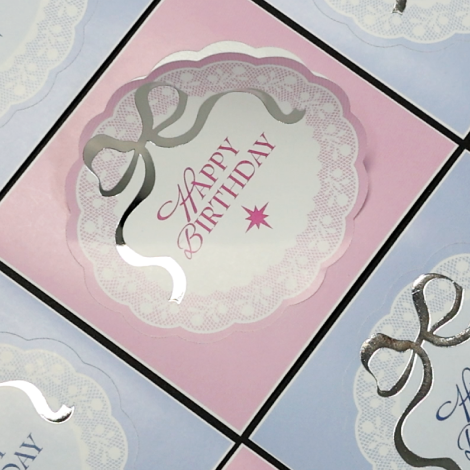
03_Glossy Silver Foil
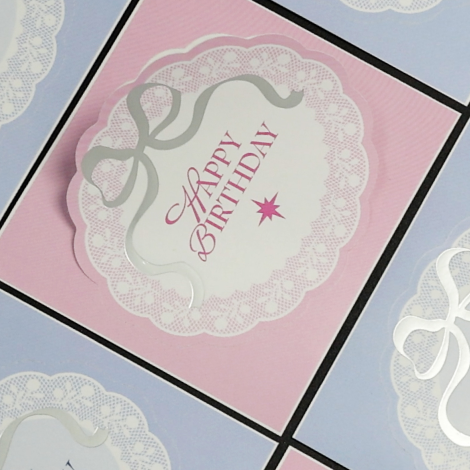
04_Matte Silver Foil
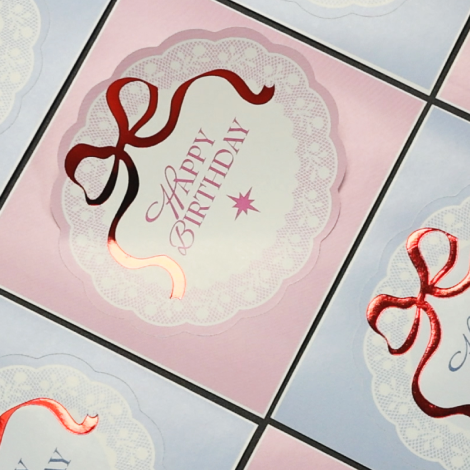
05_Red Foil
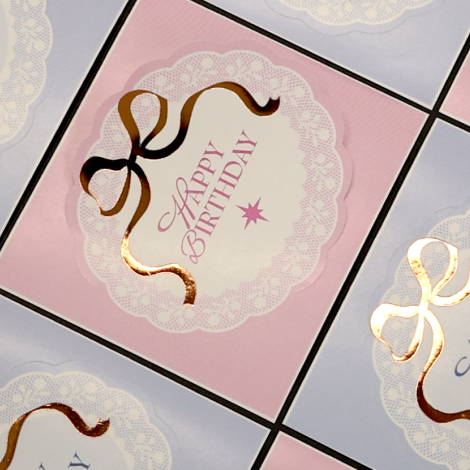
06_Copper Foil
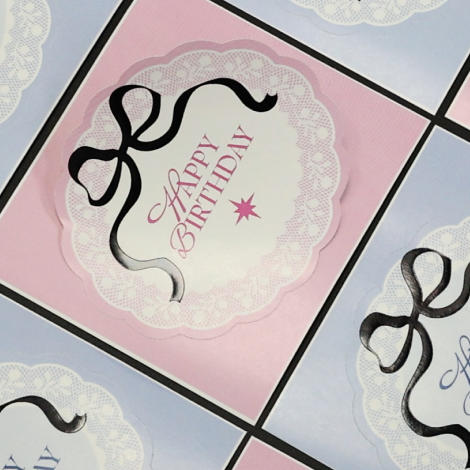
07_Black Foil
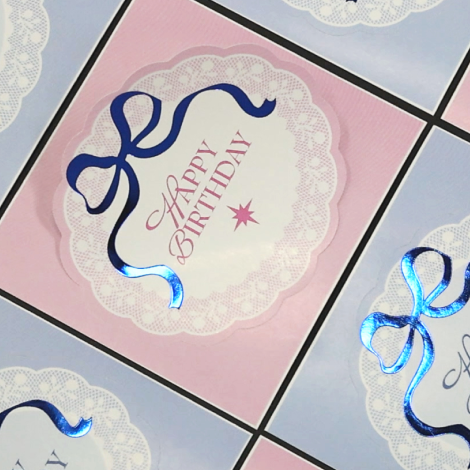
08_Blue Foil
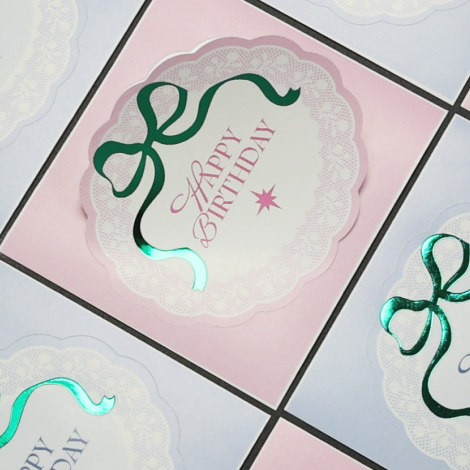
09_Green Foil
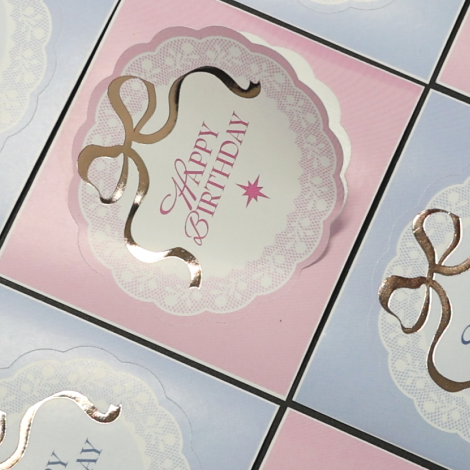
10_Glossy Rose Gold Foil
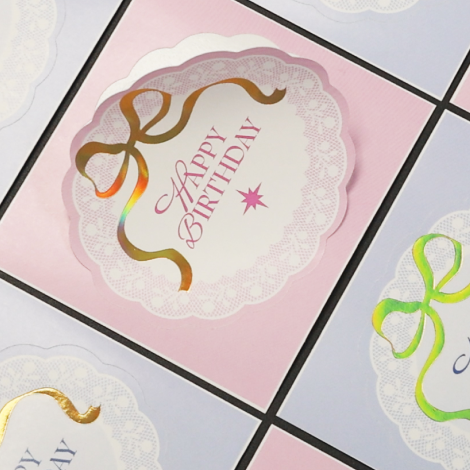
11_Gold Holographic Foil
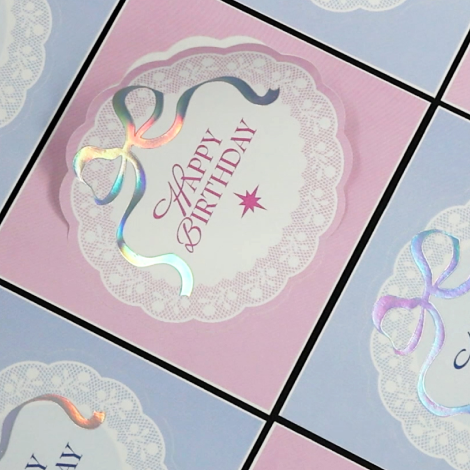
12_Silver Holographic Foil
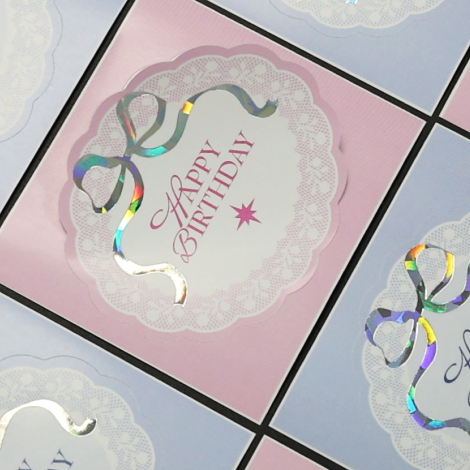
13_Shatter Glass Holo Foil
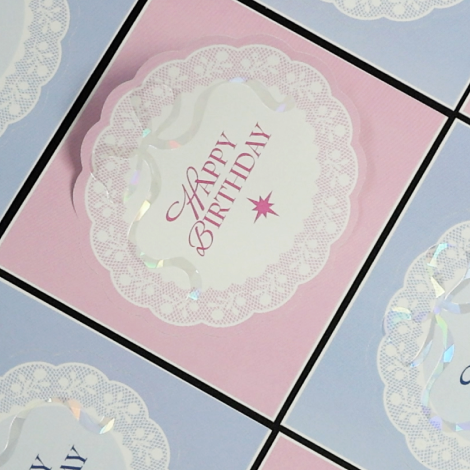
14_Shatter Glass Clear Holo Foil
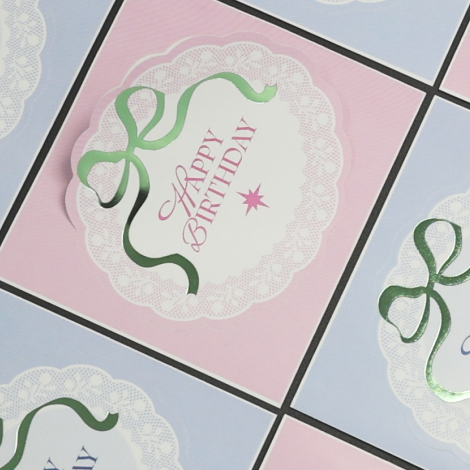
15_Soft Green Foil Glossy
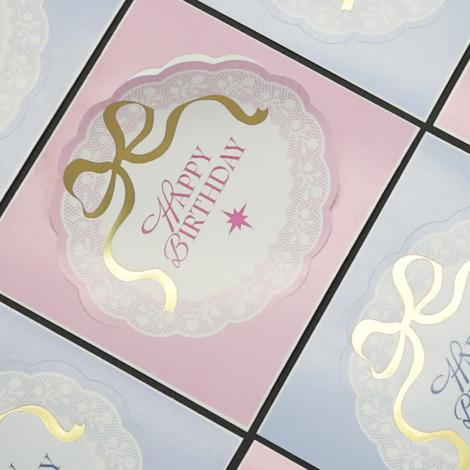
16_Gold Foil Light Matte
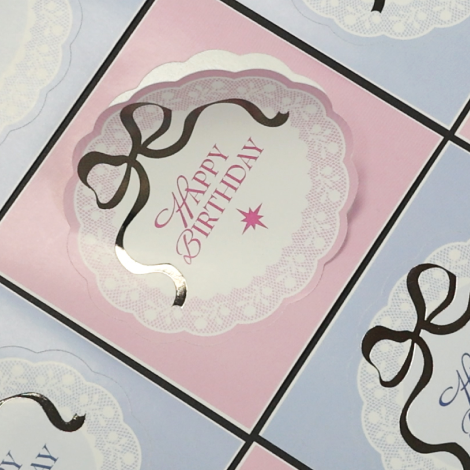
17_Chrome Foil
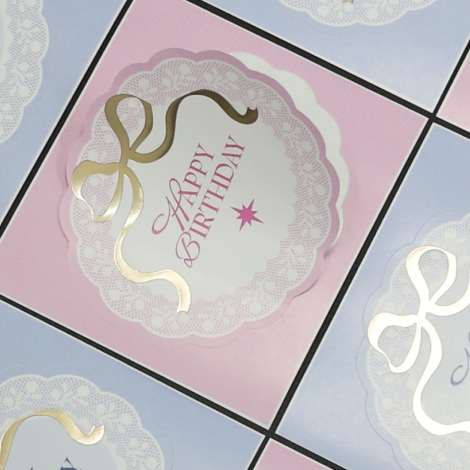
18_Brown Gray Foil
Data Production & Ordering
Foil / Emboss sticker
Sticker size 90x50mm will be cut in size 90x50mm.
Do note that there could be a 1-2mm shift in printing during production.
Adhesion may vary by sticker material.
To ensure satisfaction, test with a small order before buying in bulk.


Shipping Method

Available Products
Betterway Systems Co., Ltd.
(278-32, Seongsu-dong 2(i)-ga) 30, Achasan-ro 11-gil, Seongdong-gu, SeoulCEO: Yang Pyeong
Business Registration Number : 206-86-90666
Communication sales report number : 2015 – Seoul Seongdong - #0631
NHN KCP Corp. Merchandising service
KCP's escrow service Safe & Secured Payment Service / Secured Payments by :

© 2015-2026 Betterway Systems. All rights reserved.