톡상담 안내
원활한 고객응대를 위해
카카오톡 1:1 채팅 상담 일시 중단하고,
톡 상담은 챗봇 상담으로만 운영됩니다.
자세한 문의는 고객센터 1544-6698로 문의주세요.
대량 옵셋 상담
기업체, 공공기관, 도서관 등 다량의 도서, 잡지, 인쇄 및 출판이 필요하신 경우 대량 옵셋 전문 담당자와 상담하실 수 있습니다.
대량 옵셋 상담 신청
근무시간(상담 가능 시간)
- 평일 09:30 ~18:30
(식사시간 12:00 ~ 13:00)
- 토/일/공휴일 휴무
- 톡상담이 불가한 경우,
1:1게시판에 남겨주세요.
이메일 - admin@redprinting.co.kr
입금 계좌안내
IBK 기업은행
513-027986-01-015
(주식회사 베러웨이 시스템즈)
Category

Shaped Postcards
-마이페이지>찜 목록 조회에서 확인하세요
찜 목록으로 이동하기 >
Ring Binders Reorder is available for this item.
12,100~ / 1pcs
ID Photos
600 / 1pcs
Economy Postcards Reorder is available for this item.
4,500 / 10pcs
Standard Postcards Reorder is available for this item.
12,400 / 50pcs
Postcard Books Reorder is available for this item.
8,700 / 1book
Notebooks (Sewn) Reorder is available for this item.
2,700 / 1book
Easy Order
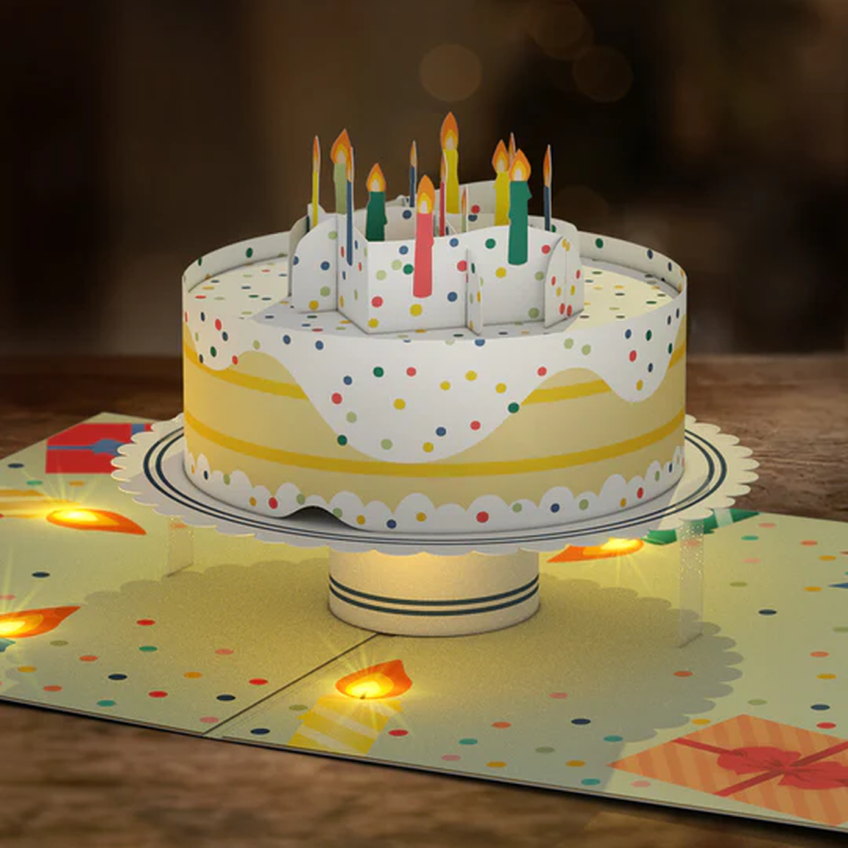
Upload your desired image for postcard (front) and we will provide you with a free selection of creative back design templates.
Free Back Design Templates
WA wide range of free back design templates can be selected in the Easy Order (editor).
Add Poly Bag
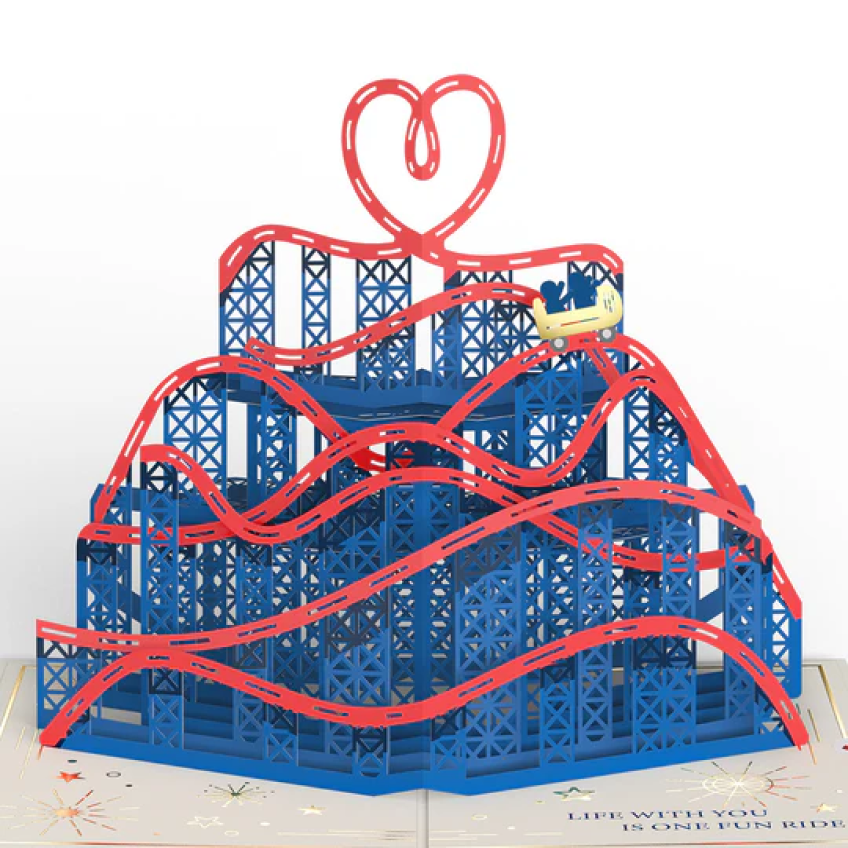
Lightweight, clear packaging to protect your postcards. Additional option to add poly bag to your item. 1 Set (95pcs)
SIZE
Comes in 2 shapes.
This can be produced in either a horizontal or vertical postcard.
Data Production & Ordering
1. Font Outline
Place your artwork design into the Printing layer and adjust accordingly to our guidelines.
For content with fonts, please "Create Outline" in AI (Illustrator) before saving as PDF. Short Key: Ctrl(Command)+Shift+O
3. Save PDF
Ensure to select Press Quality / Acrobat 6 (PDF 1.5) or above and
Create Acrobat Layers from Top-Level Layers before saving a PDF file.
1. Upload Image / PDF Upload
Please upload your desired image either in JPG/PNG or PDF Upload buttons located at the the bottom left of the Editor.
2-1. Apply Image (Front)
Click on the uploaded image on left panel to apply image to the product.
To scale or reposition image: Drag on any corner of the image to resize or move image
Editing Functions (top panel): Arrange/Align, Flip, Sort, Rotate
2-2. Apply Image (Back)
Click on the Back button to apply image to the product.
To scale or reposition image: Drag on any corner of the image to resize or move image
Editing Functions (top panel): Arrange/Align, Flip, Sort, Rotate
3. Save & Close
Once applied image has been adjusted to your preference,
click Save & Close at the top right corner to save changes and exit editor.
Shaped Postcards
Size: 100x150/ 150x100 (unit: mm)
Shapes: Biscuit / Ticket
*Easy Order: Back design templates are provided


Shipping Method
Available Products
Order will be shipped as per Regular Post delivery.
For Same-Day delivery, please select again.
Applied to orders that are processed by designated time stated to be eligible for fast shipping.
* [Same-Day Delivery] Order before 11am, shipped on same day.
* [Next-Day Delivery] Order before 5pm, shipped on next business day.
* Check the terms & conditions below for eligiblity.
* Excluding on Weekend / Public Holiday.
Contact Us
1544-0590
English Consultation: Mon-Fri (9:30am - 6:30pm)
Self Collection/Pick-Up: 9:30am-7pm
support@redprinting.co.kr
Betterway Systems Co., Ltd.
(278-32, Seongsu-dong 2(i)-ga) 30, Achasan-ro 11-gil, Seongdong-gu, SeoulCEO: Yang Pyeong
Business Registration Number : 206-86-90666
Communication sales report number : 2015 – Seoul Seongdong - #0631
NHN KCP Corp. Merchandising service
KCP's escrow service Safe & Secured Payment Service / Secured Payments by :
© 2015-2026 Betterway Systems. All rights reserved.